Architecting Secure Document Workflows: A Technical Guide to SSN Redaction
Author
Security Team
Reviewed by
Dr. Privacy (PhD)
The persistence of digital data is the fundamental challenge of modern information security. When a document is created, it is rarely a flat image; it is a complex container of layers, metadata, vector coordinates, and history.
In the context of workflow optimization and data hygiene, the handling of Personally Identifiable Information (PII), specifically Social Security Numbers (SSNs), represents a critical control point. Failure to properly sanitize this data does not merely represent a compliance lapse; it indicates a failure in the document lifecycle architecture.
This guide explains how to safely blackout SSN on PDF files without leaving trace data, analyzing the technical mechanisms required to permanently excise sensitive numerical data. We will examine the distinction between masking and redaction, the necessity of visual precision in high-density forms, and the validation protocols required to ensure data is unrecoverable.
1. The Imperative of Data Sanitization
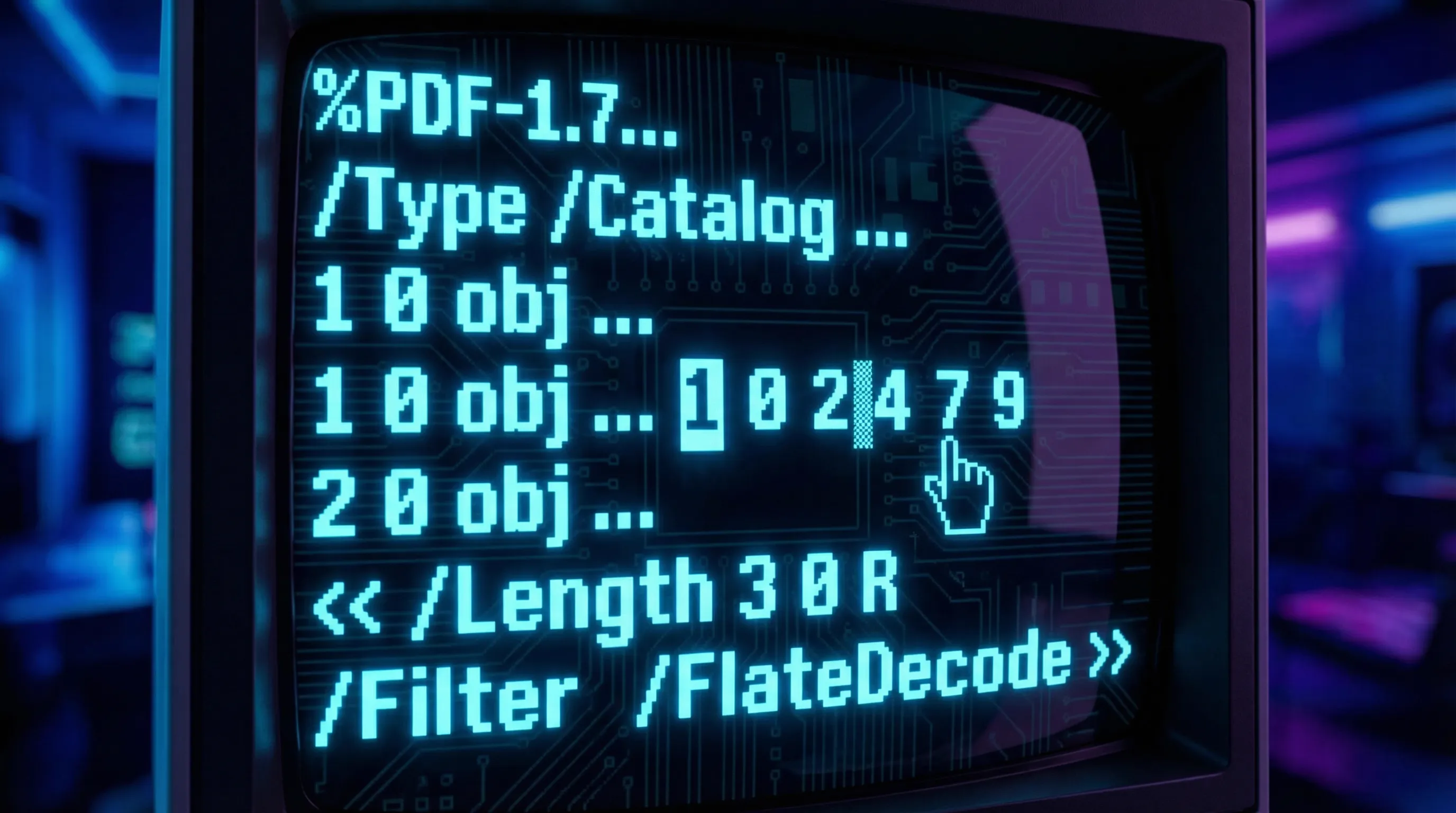
To understand why standard redaction fails, one must understand the architecture of a PDF. Unlike a bitmap image (JPEG or PNG), a PDF is often a container of objects. Text is stored as a stream of characters associated with coordinate positions.
Sanitization vs. Masking
In technical terms, "masking" is the application of a graphical overlay—usually a black rectangle—on top of existing content. The underlying data remains in the content stream. "Redaction," or sanitization, is a destructive process. It requires the software to locate the specific byte sequence corresponding to the SSN, remove it from the source code of the file, and regenerate the visual layer to reflect the removal.
Why "Black Boxes" Fail
The underlying technology of PDF rendering separates the visual presentation from the semantic content. When a user applies a black box using a standard drawing tool, they are adding a new layer to the stack. The text layer remains beneath it.
Consider the psychology of the workflow. An administrator sees a black bar and assumes security. However, search indexing algorithms do not "see" the black bar; they read the text stream. If a document management system (DMS) indexes a file based on hidden text, that document remains retrievable via the very SSN the user attempted to hide.
The Failure of Non-Destructive Editing
The industry is replete with examples of high-profile redaction failures, most notably the Paul Manafort case in 2019. Defense lawyers attempted to redact sensitive litigation data by placing black bars over the text in a PDF. However, they failed to flatten or rasterize the document. Journalists were able to simply copy the text from under the black bars and paste it into a text editor, revealing the redacted information instantly.
Manual vs. Algorithmic Processing
Manual methods of obscuring data—such as printing a document, using a marker, and scanning it back in—are technically effective but operationally disastrous. This "analog loop" degrades document quality, destroys optical character recognition (OCR) capabilities for non-sensitive text, and increases file size significantly.
Digital sanitization offers a superior alternative. By converting the page to a high-fidelity image (Secure Rasterization), we can achieve the same security as the "print-and-scan" method without the physical waste and quality loss.
2. Visual Precision: Accurate Selection
The SSN is a uniquely difficult data point to redact due to its size and placement. Standard forms often place the SSN field in close proximity to other vital data, such as names or dates of birth.
Vector Coordinate Isolation
Precision redaction refers to the ability to target a specific set of vector coordinates within a document without affecting adjacent data. An SSN is typically formatted as 000-00-0000. In a standard 12-point font, this string may occupy less than 1.5 inches of horizontal space.
The Role of Zoom and Rasterization
Precision is a function of visualization. To select a small integer string accurately, the interface must support high-fidelity zooming. This allows the user to define the redaction zone at the pixel level.
Under the hood, when a user zooms in to select an SSN, the application is recalculating the render matrix. It translates the screen coordinates (mouse clicks) into PDF page coordinates. This translation must be exact. If the software relies on a low-resolution preview, the user might believe they have covered the number, but the actual redaction coordinate sent to the processing engine might be shifted by a few points.
The "Drift" Pitfall
In high-volume processing centers, speed often compromises accuracy. A common pitfall occurs when users attempt to redact data on a document that has been scanned at a skew (slightly rotated). A rectangular redaction tool applied to a skewed number will inevitably cover non-target data or leave corners of the target data exposed.

3. Comparative Analysis
The method by which a redaction tool processes data fundamentally alters the security profile of the workflow. Below is a comparison of common architectural approaches.
| Feature | Manual Analog | Server-Side Cloud | Client-Side WASM |
|---|---|---|---|
| Data Residency | Local (Physical) | Remote (Server) | Local (Browser Memory) |
| Destructive Editing | Yes (Physical) | Yes (Digital) | Yes (Digital) |
| Metadata Hygiene | High (Image only) | Variable | High |
| Latency | Extremely High | Medium | Zero (Instant) |
The Expert Take
For enterprises adhering to strict compliance standards (GDPR, HIPAA), Client-Side WASM offers a Zero-Trust architecture. It ensures total data sovereignty by processing files entirely on-device—eliminating cloud transmission risks without the deployment complexity of legacy desktop software.
4. Verifying the Redaction
The final step in any secure documentation workflow is validation. It is insufficient to assume the software performed the task; one must verify the destruction of the data.
Negative Confirmation
Verification is the process of confirming the absence of data. In the context of SSN redaction, this means proving that the string of integers no longer exists in the file's source code, metadata, or hidden layers.
Parsing the Content Stream
To verify a redaction, one must attempt to retrieve the data using the same tools an adversary would use. This involves three layers of testing:
- 1The Visual Layer: Does the document look correct?
- 2The Text Layer: Can the text be highlighted or searched?
- 3The Code Layer: Does the raw data stream contain the byte sequence?
When using our Secure Rasterization method, the entire page content is converted to a flat image. This means the text layer is completely removed.
The "Ghost Text" Phenomenon
A common edge case in PDF processing is "ghost text." This occurs when OCR is performed on a document before redaction. The OCR creates a hidden text layer behind the image to facilitate searching.
In practice, this is tested via the CTRL+F (Find) function. If you can type the SSN into the search bar and the PDF viewer jumps to the black box, the redaction has failed.

5. The Solution: Client-Side WebAssembly
The technical challenges outlined above—latency, precision, data persistence, and privacy risks during transmission—point toward a specific architectural solution: Client-Side Processing.
Secure PDF Editor (secureredact.tech) utilizes a modern tech stack (Next.js, TypeScript, and WebAssembly) to solve this architectural flaw. By leveraging pdf-lib and pdfjs-dist directly in the browser, the application creates a sandboxed environment for document manipulation.
The Latency Advantage
Because the processing logic occurs on the user's machine (Client-Side), there is zero latency associated with file uploads. Rendering is instantaneous.
The Privacy Guarantee
The file never leaves the user's device. The redaction logic executes in the browser's memory, aligning with "Privacy by Design."
6. Technical FAQ
Does drawing a black rectangle over text in a PDF permanently remove it?
Generally, no. Standard drawing tools only add a visual layer on top of the text. The underlying text data usually remains in the file and can be recovered.
What is the difference between "flattening" a PDF and "redacting" it?
Flattening merges layers into a single layer, often converting vector to raster. While flattening can make text unselectable, it is not a guaranteed security measure. Redaction specifically removes the data code.
Can redacted information be recovered forensically?
If the redaction software correctly modifies the binary source of the PDF to remove the character codes, recovery is impossible. The data no longer exists in the file.
Is Client-Side redaction safer than Cloud-Based redaction?
Yes. Client-side redaction keeps the document within your local environment. Cloud-based redaction requires transmitting the unredacted document to a third-party server.