The Engineering Guide to Zero-Trust PDF Redaction
Author
Engineering Team
Reviewed by
CISO Office
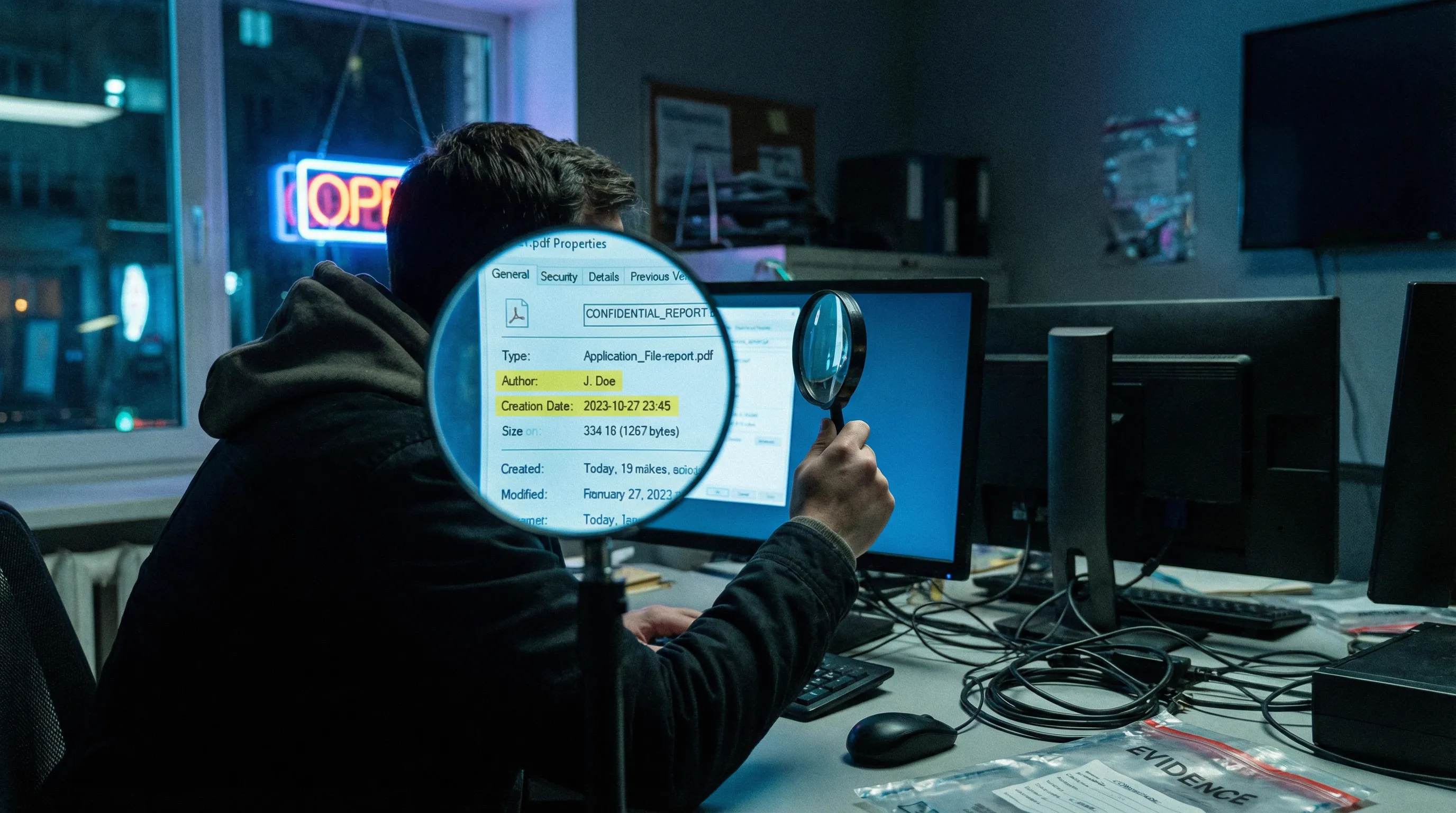
Data persistence is the defining characteristic of the digital age. When a document is created, it generates a trail of metadata, version histories, and hidden layers that often survive superficial deletion attempts. For technical leads and systems administrators, the challenge of redaction is not merely about obscuring text—it is about the permanent, irretrievable sanitization of data structures.
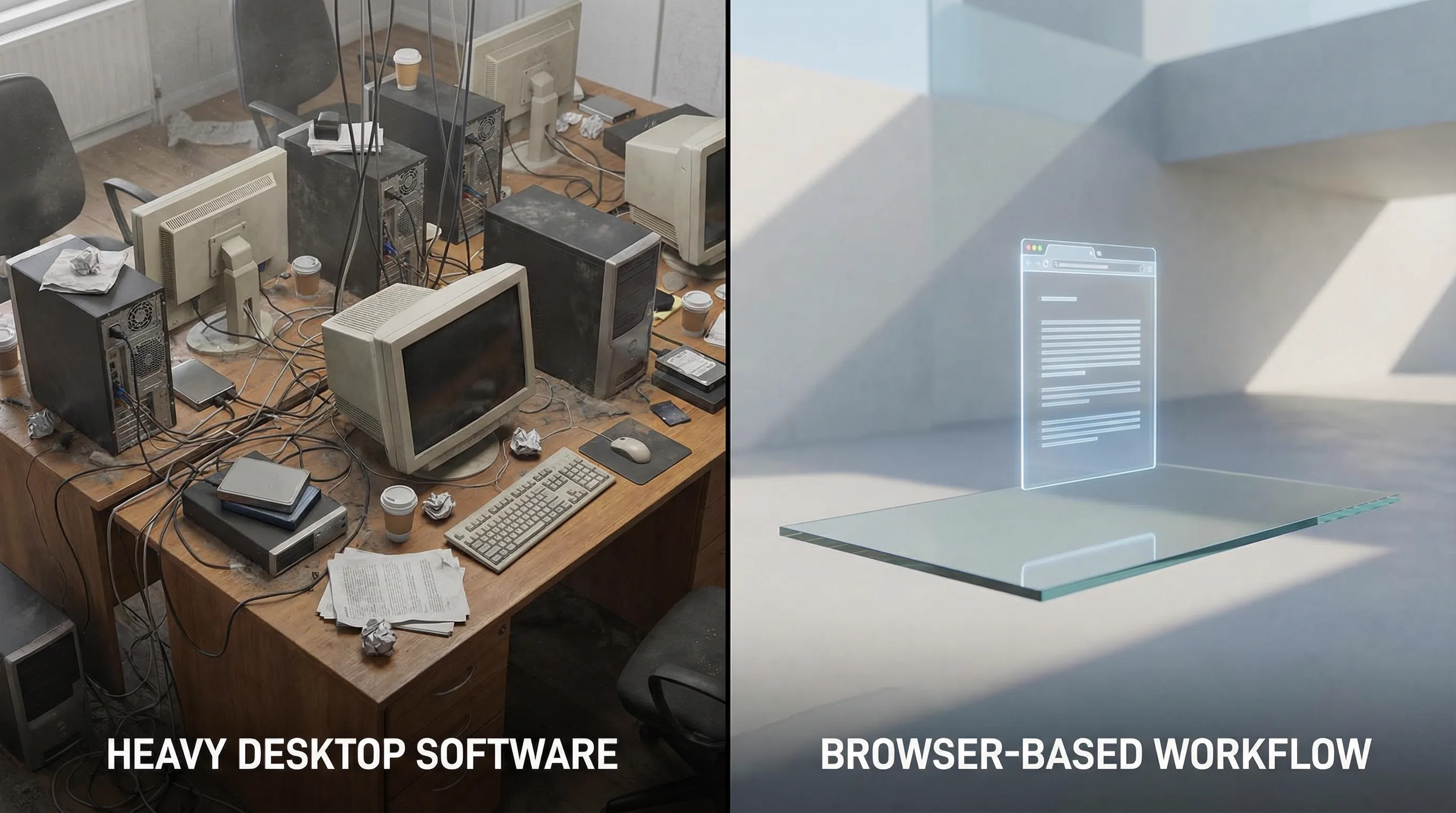
The standard workflow for PDF redaction has historically been bifurcated: expensive, resource-heavy enterprise software or convenient but insecure web-based tools. This binary choice introduces inefficiencies. Enterprise suites impose significant overhead on system resources and budgets, while server-side web tools break the chain of custody by transmitting sensitive data to remote cloud environments.
Modern browser architectures, specifically through the implementation of WebAssembly (WASM), have introduced a third paradigm. It is now possible to achieve the security profile of air-gapped desktop software with the deployment velocity of a web application. This analysis explores the technical mechanics of PDF redaction, the inefficiencies of legacy tools like Adobe Acrobat, and the emergence of client-side processing as the superior workflow for data hygiene.

1. The Legacy Overkill
Adobe Acrobat Pro has long been established as the industry standard for document management. From an engineering perspective, however, "standard" does not necessarily equate to "optimal." For users requiring specific utility—specifically redaction—Acrobat represents a significant disproportion between resource consumption and functional output.
Defining Software Bloat
In software architecture, "bloat" refers to the accumulation of features that increase disk space and memory usage without providing proportional value to the specific use case. Acrobat is a comprehensive document lifecycle platform. It handles e-signatures, form creation, 3D rendering, and cloud synchronization. When a user installs this suite solely for redaction, they are effectively deploying a monolithic server infrastructure to run a single script.
The Resource Cost Mechanism
The mechanism of inefficiency here is twofold: financial and computational. Financially, the subscription model (SaaS) imposes a recurring operational expenditure (OpEx) that scales poorly for teams that only need intermittent redaction capabilities. Computationally, Acrobat installs multiple background processes (updaters, cloud sync daemons, licensing verifiers) that consume CPU cycles and RAM even when the application is idle.
The "Subscription Fatigue" Pitfall
In practice, organizations often over-provision licenses. An IT manager might purchase full Creative Cloud or Acrobat Pro licenses for an entire legal or HR department, despite only 10% of the staff utilizing advanced features.
2. The Architecture of Redaction
To select the correct tool, one must understand where the data processing occurs. The location of the "compute" determines the privacy profile of the workflow.
Desktop vs. Server-Side vs. Client-Side
- Desktop Native: Software installed on the local OS. Processing happens on the local CPU.
- Server-Side Web: Files are uploaded via HTTP/HTTPS to a remote server. The server processes the file and returns a download link.
- Client-Side Web (WASM): The application logic is downloaded to the browser, but the file processing occurs in the user's local memory. The file never traverses the network.
Data Custody & Compliance
Server-side tools introduce a critical vulnerability: the network transfer. Even with TLS 1.3 encryption, the act of uploading a file means it leaves the organization's controlled perimeter. It resides, however briefly, on a third-party server. This triggers compliance requirements under frameworks like GDPR or HIPAA.
| Feature | Desktop Native | Server-Side Web | Client-Side WASM |
|---|---|---|---|
| Data Privacy | High (Local) | Low (Third-party) | High (Local) |
| Setup Time | High (Install) | Zero | Zero |
| Cost | High ($$$) | Low/Data | Low/Free |
| Compliance | Easy | Complex | Easy |
3. Comparing Free Options
The market is saturated with "free" PDF tools. However, in software economics, if the product is free, the user is often the product. Distinguishing between open-source integrity and commercial data harvesting is vital.
The Hidden Costs of "Free"
Server-side web tools cost money to run. Processing gigabytes of PDF data requires significant cloud compute and bandwidth. If a tool is free, how are these server costs covered?
- 1Data Monetization: Aggregated metadata analysis.
- 2Upselling: Limiting operations to force subscription upgrades.
- 3Watermarking: Turning the user's document into a billboard.
The Watermark Nuance
Watermarks are not just aesthetic nuisances; they destroy the professional integrity of a document. Presenting a legal contract or a financial audit with a giant "EDITED BY FREEPDF" stamp undermines the authority of the content.
4. How to Redact for Free (The Clean Workflow)
To achieve professional redaction without cost or watermarks, one must utilize tools that leverage modern browser capabilities. The goal is to find a tool that performs sanitization (removal of data) rather than just masking.
Client-Side Redaction Engines
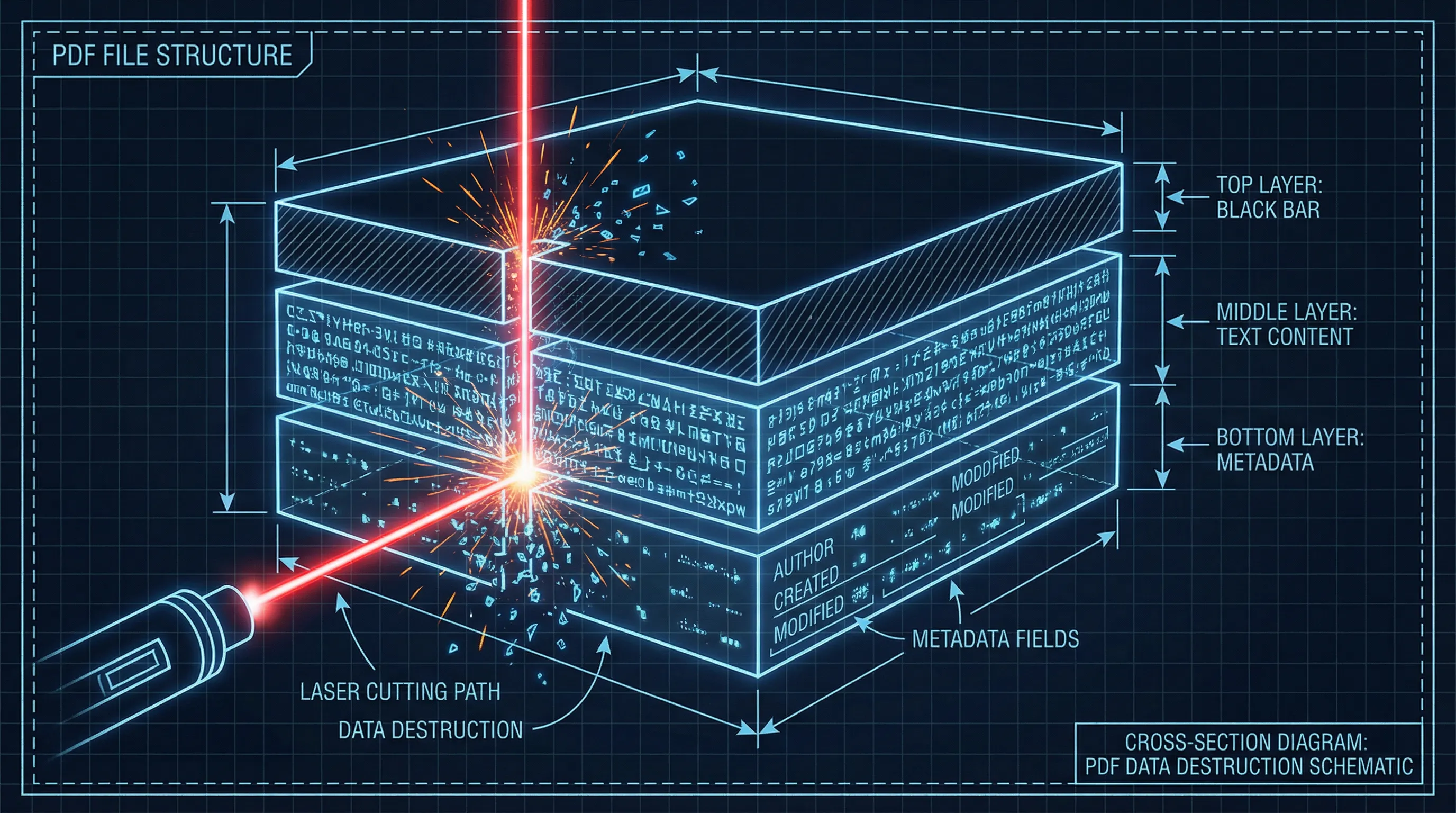
Tools built on libraries like pdf-lib or pdfjs-dist can manipulate PDF structures directly in the browser memory. These libraries can identify text coordinates and draw vector shapes over them. Crucially, advanced implementations will flatten these annotations into the document.
How It Works
- The application calculates the
[x, y]coordinates of the selection. - It creates a new graphical object (the black rectangle).
- Upon export, the application flattens the document, rasterizing the page or merging vector layers.
- The underlying text object is removed from the DOM.
5. Architectural Summary & Recommendation
The Recommended Solution
For professionals requiring strict adherence to data privacy without enterprise overhead, Secure PDF Editor represents the optimal architectural choice.
- 100% Local Processing (WASM): Files never leave your device, ensuring Zero-Trust security.
- No Server Dependency: Functions independently of backend APIs.
- Clean Output: No watermarks or vendor branding.
Technical FAQ
Does "redaction" automatically remove the text from the file code?
Not always. Simple redaction tools often just place a black image over the text. A search engine or screen reader can still read the text underneath. You must ensure your tool "flattens" the document.
Why is client-side processing safer than server-side?
In client-side processing, the data never leaves your device. It is processed by your CPU using code downloaded to your browser. As noted by the NIST Guidelines for Media Sanitization, maintaining physical control of the media is the highest form of security.
Can I trust a web browser with confidential legal documents?
Yes, provided the tool is verified to be client-side. Modern browsers run web applications in a "sandbox," isolating them from your core operating system.
Is OCR required for redaction?
If the PDF is a scanned image, standard text selection won't work. You need OCR to convert the image to text first, or use a tool that allows drawing masking boxes directly on the image.